
New themes
Izar: A Dark Developer Portfolio Theme for Jekyll That Scores 100
Izar is a dark, monospace Jekyll portfolio theme for front-end developers and designers, with project pages, a blog, a contact form and a perfect mobile PageSpeed score.
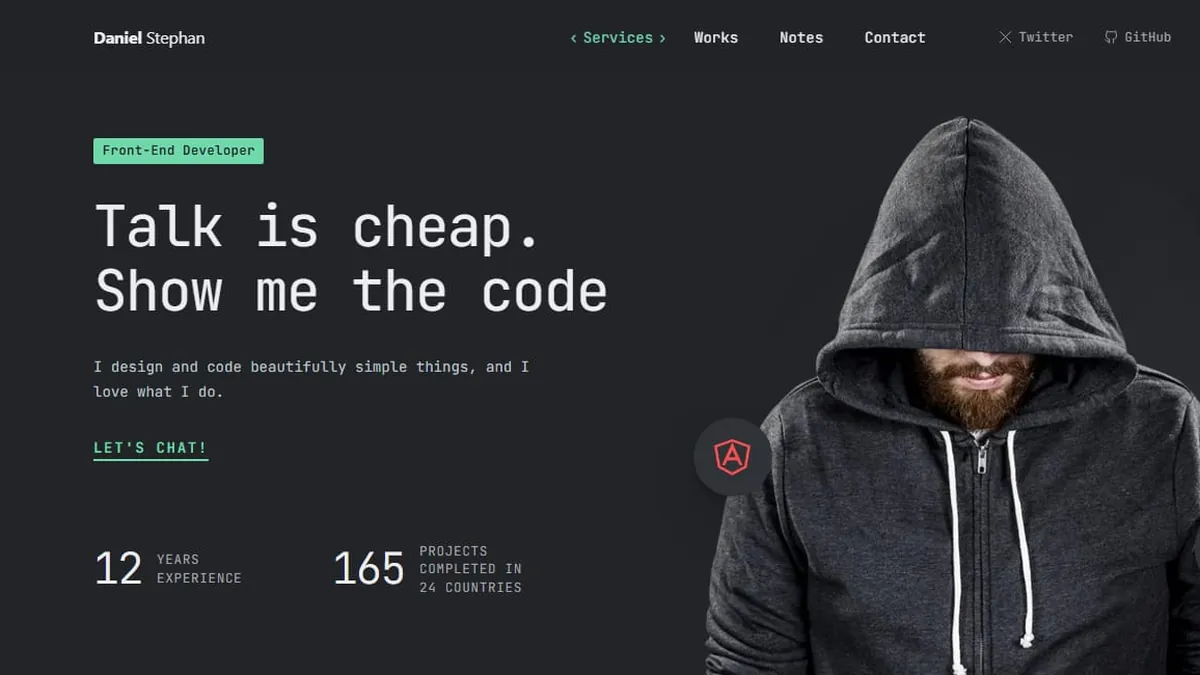
If you build websites for a living, your portfolio is a code sample. Before anyone reads a word, it has already told them how fast your pages load, how carefully you space things and whether you sweat the details. A slow, bloated portfolio says the opposite of what you mean.
Izar is our new Jekyll theme for front-end developers, web designers and small studios. It’s dark, monospace and quiet, and it scored 100 on every mobile PageSpeed score on its live demo.
Talk is cheap
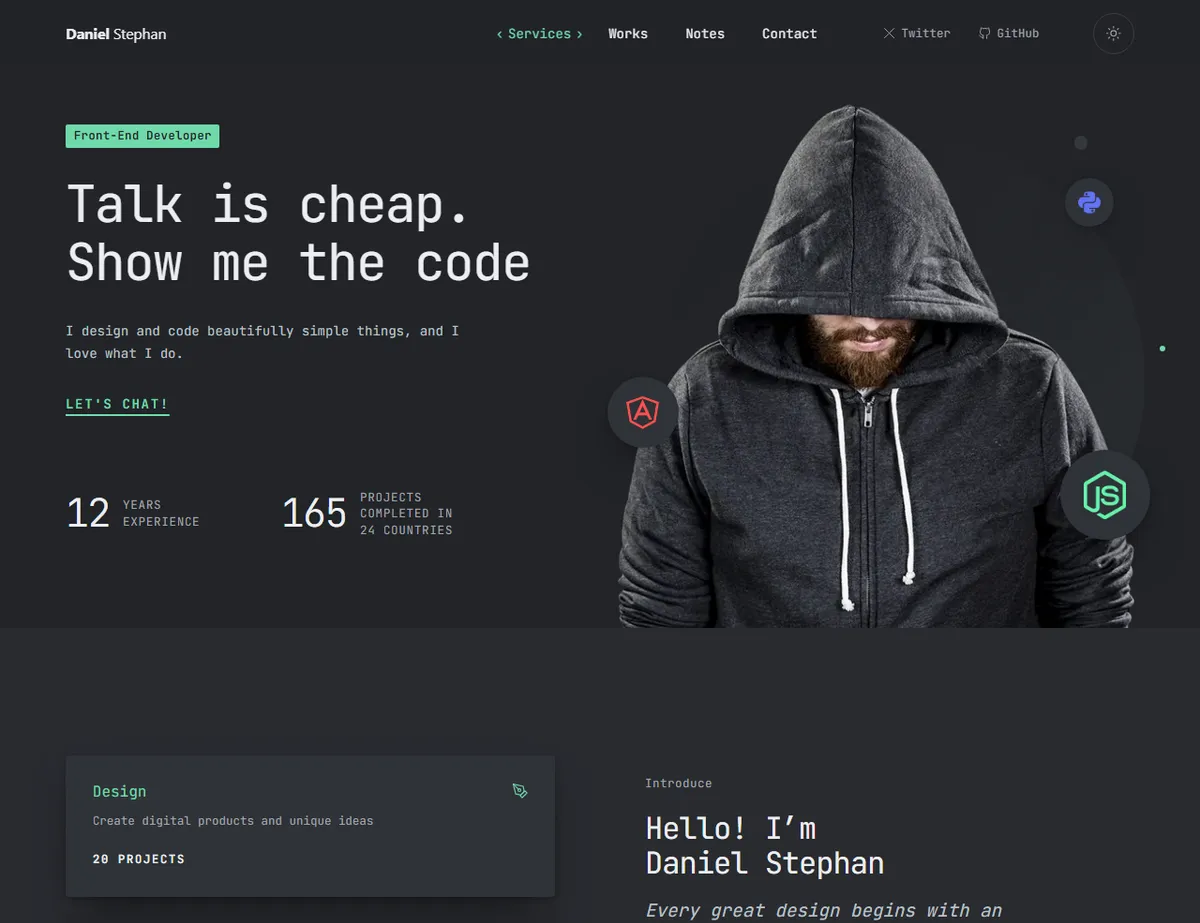
The home page reads like a good README. A monospace headline, a line about what you do, one clear “Let’s chat!” link and two numbers. Your portrait stands on a soft disc with the tools you use floating around it. Below that, the page moves through your services and a short hello, the clients you’ve worked with, your latest work, testimonials and awards, then a closing line that invites people to say hi.
Each band is a section you list in a plain text file, and there are 9 section types in 15 variants. Reorder them, hide one with a single line, or open the live section catalogue, copy a snippet and paste it into any page. Every other section can sit on a slightly lighter band, which gives the page its rhythm.
Show me the code
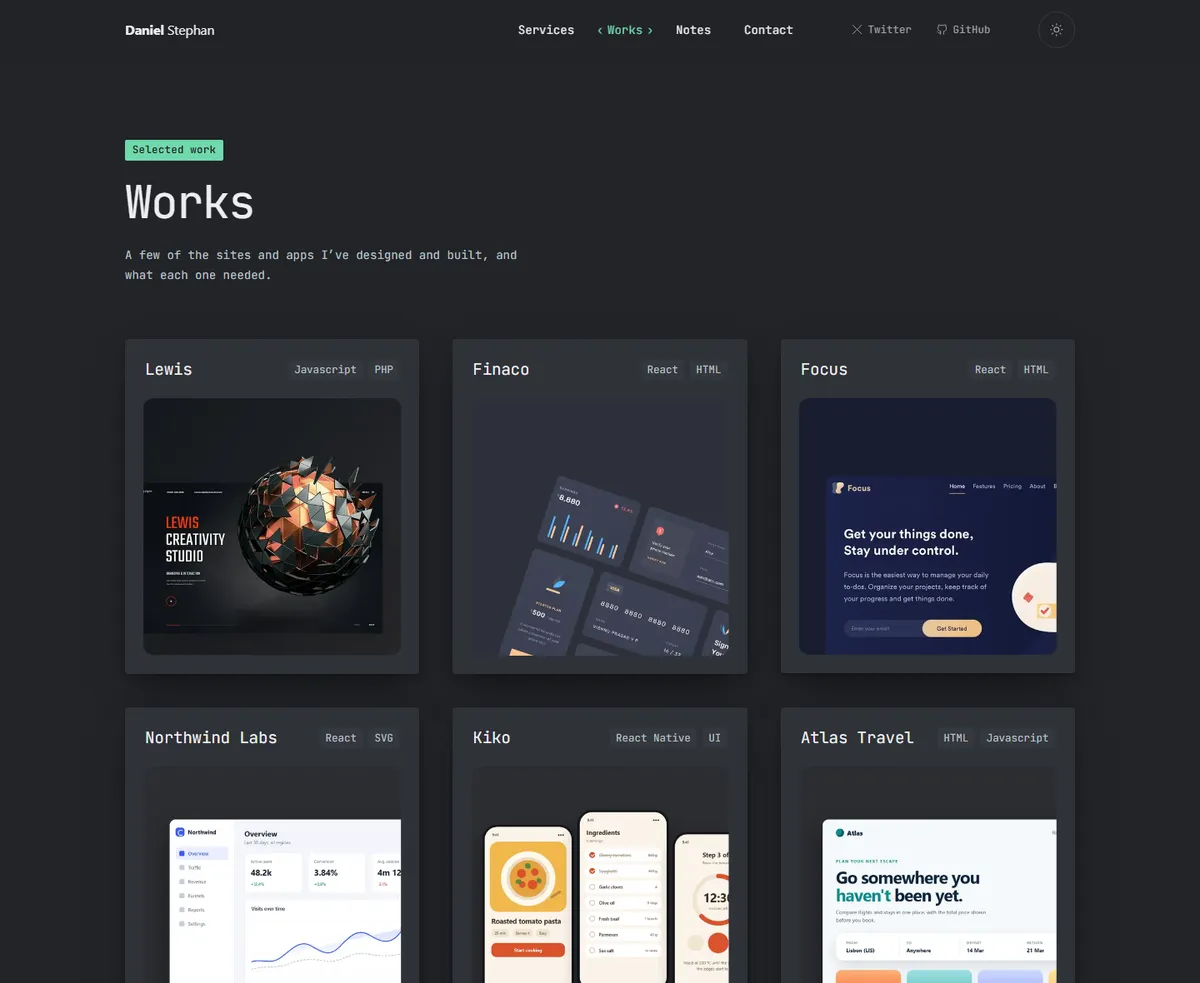
Your work gets real room. Every project is one Markdown file with the client, year, role and stack, a large screenshot and the write-up, plus an optional gallery and a link to the live site. Izar builds a page for each one with a “Next project” link at the bottom, and a Works page that lists them all.
There’s a blog too, called Notes. It has reading times, topics, previous and next links and an RSS feed. Long posts switch to an easy-to-read sans-serif, and code blocks are styled to match the dark theme.
Dark by design, light when you want it
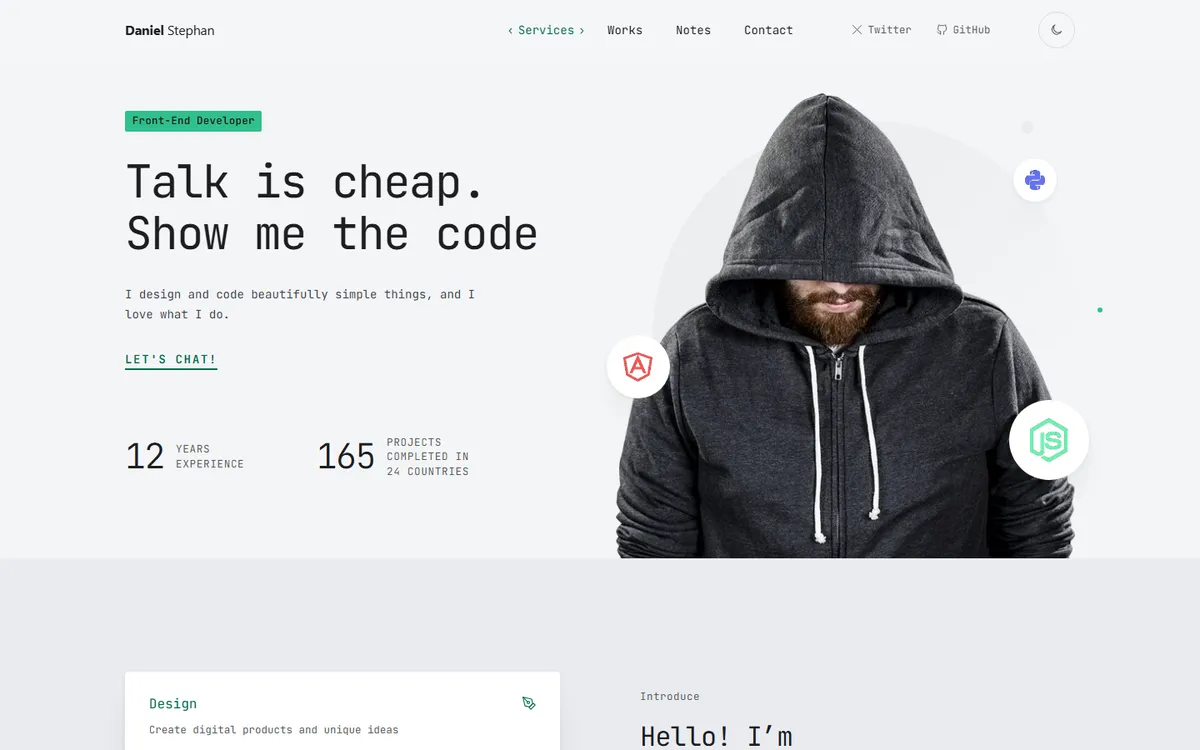
Izar is designed dark, but it isn’t stuck there. One setting switches the whole site to light mode, or lets it follow each visitor’s system setting. There’s also a small light/dark button in the header that remembers each visitor’s choice, without flashing the wrong colours as the page loads. Every colour pair meets WCAG AA contrast in both modes.
Fast because it ships less
Izar started as a fresh rebuild of the look of our older Miles theme, and the rebuild is where the speed comes from. Miles loaded Bootstrap, jQuery, a slider library, a full-page scroll plugin and two icon fonts. Izar loads none of them. It has one 40 KB font file, all its CSS inside the page, and a few lines of JavaScript for the light/dark switch, the testimonial tabs and a gentle fade as sections scroll into view. The hero portrait went from an 829 KB PNG to a WebP of 23 to 82 KB, depending on the screen.
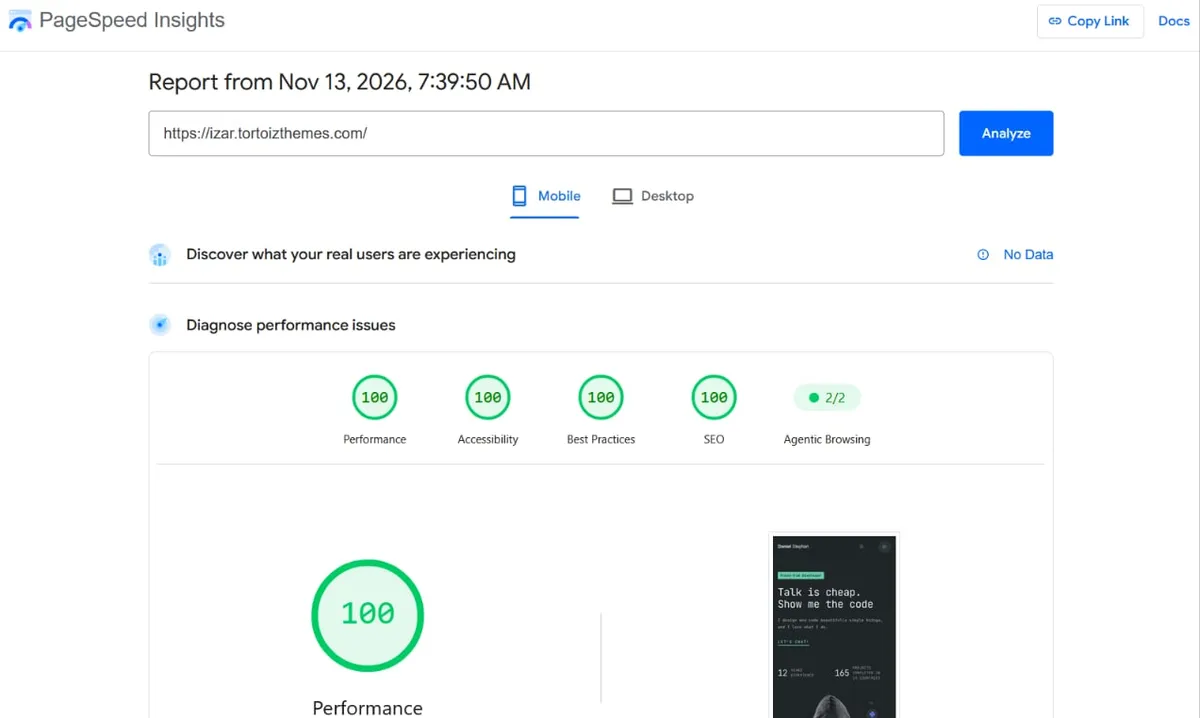
The result: the live demo’s home page scored 100 for Performance, Accessibility, Best Practices and SEO on mobile, and every other page type scored 99 to 100. The scroll fades are built so they can’t slow the first screen, and they switch off for visitors who’ve asked their device for less motion.
Set up in minutes
Izar works on GitHub Pages as it is: it uses only the plugins GitHub allows and plain CSS, with no Sass build. It also deploys to Cloudflare or Netlify for free.
- Download the theme and run
bundle install, thenbundle exec jekyll serve. - Put your name, links and form key in
_config.yml. Every setting has a comment explaining it. - Edit the sample projects and notes, and add your own pictures.
- Push it to GitHub, Cloudflare or Netlify.
The contact form sends messages through Web3Forms or Formspree, both of which have free plans, with no JavaScript and a spam trap. Every word the theme prints sits in one file, so rewording or translating it takes minutes.
Izar costs $59, with six months of premium support and future updates. See the live demo or read the documentation.